
Monitoring and Debugging Spark Jobs
Spark UI, DAG Visualization, Event Logs, and Troubleshooting
Every Action you call, count(), collect(), write(), creates one Job in the Spark UI. Each Job splits into Stages at shuffle boundaries, exactly the wide dependency walls from Chapter 5. Each Stage splits into Tasks, one per partition.
The Jobs tab lists every job with its duration and status. Click a job to see its Stages tab: shuffle read and write sizes, and how many tasks ran. Click a stage to see its Tasks tab, the fastest way to spot a single straggler task, the skew from Chapter 12.
The DAG Visualization tab draws the same stage and shuffle structure you've been seeing in these diagrams, generated directly from your job. If spark.eventLog.enabled is set, the History Server can replay this entire UI later, even after the application has finished.
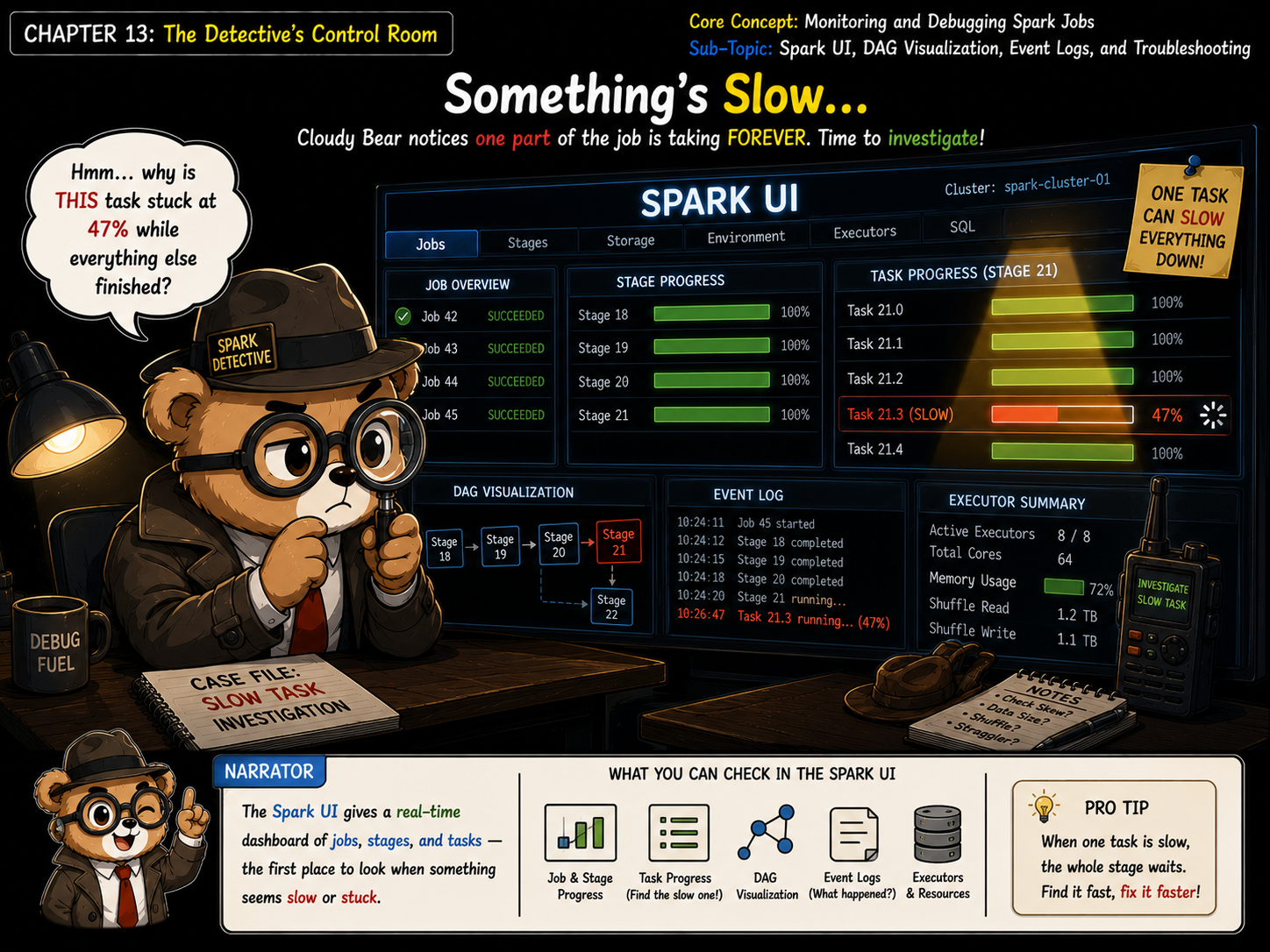
When a job is slow, start at the Stages tab and sort by duration. Open the slowest stage's Tasks tab and sort by duration too, one task far above the rest means skew, not just "more data overall".