
Reading and Writing Data
Parquet, ORC, CSV, Delta Lake, and Partition Pruning
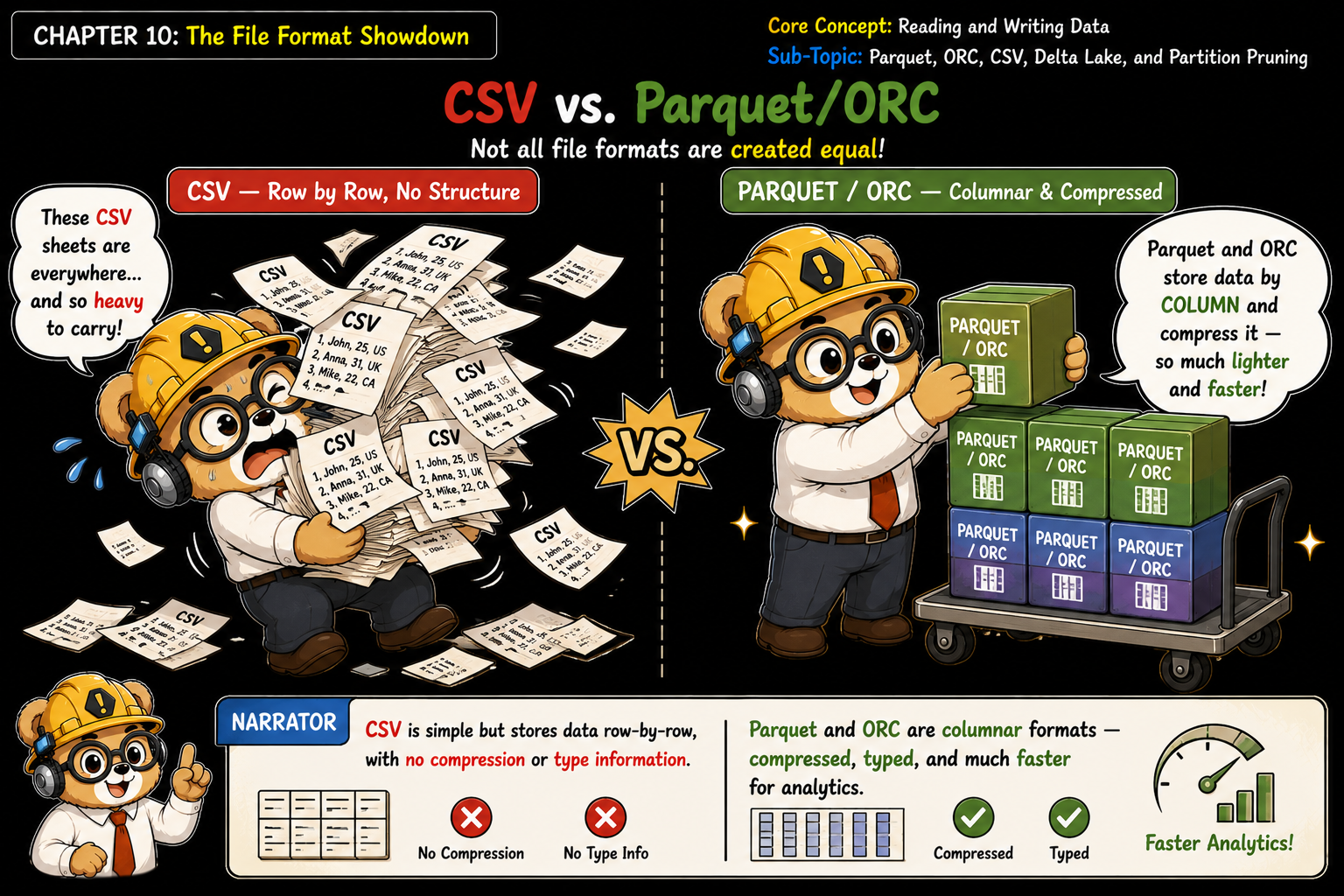
spark.read and df.write support many file formats. Row-based formats like CSV and JSON store one full row at a time. Columnar formats like Parquet and ORC store one column at a time across all rows, and Delta Lake adds a transaction log on top of Parquet.
Columnar formats embed a schema and per-file column statistics, like min and max values, directly in the file. Spark uses these to skip files and even row groups that can't match a filter. CSV has none of this: Spark must scan the file just to guess column types.
When you write with df.write.partitionBy("region"), Spark splits the output into folders, one per distinct value, like region=EU/ and region=US/. A later read with .filter("region = 'EU'") only opens the region=EU folder. The other folders are never touched, this is Partition Pruning.
Prefer Parquet or Delta Lake for analytics. Partition by columns you filter on often, like date or region, but don't over-partition, too many tiny folders slows everything down.