
Data Partitioning and Storage Writes
Partitions, Bucketing, Output Sinks, and Parallel File Writing
When df.write runs, every in-memory partition is written by its own task, in parallel, to its own file. A DataFrame with 200 partitions produces up to 200 part files, even if the data would fit in one.
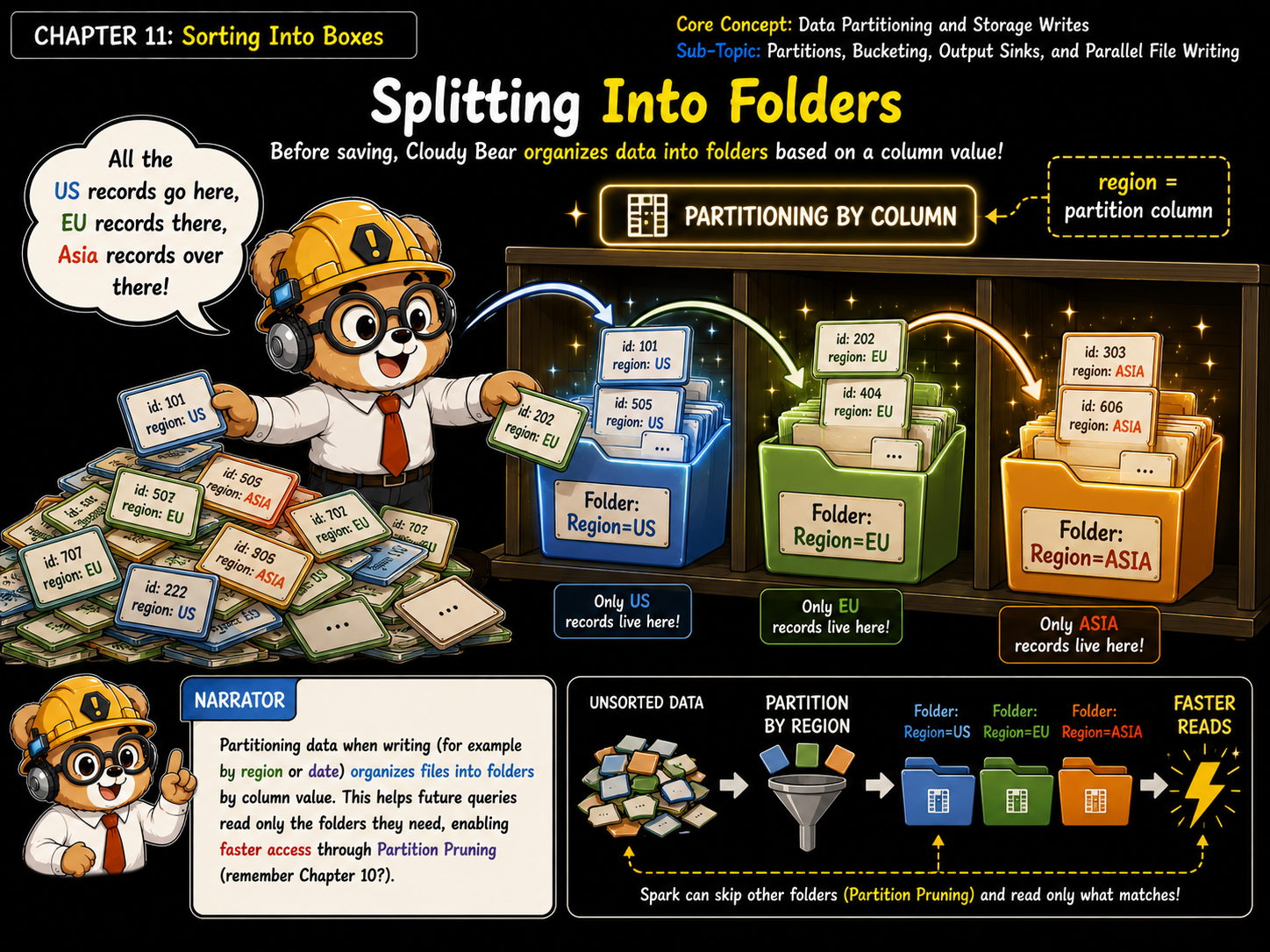
Add partitionBy("region") and Spark also splits each task's output by the partition column's value. If a task's in-memory partition contains rows for several regions, it writes a separate small file into each region=.../ folder, many tasks times many region values can mean thousands of tiny files.
bucketBy(n, "user_id") takes a different approach: it hashes user_id into a fixed number of buckets and writes one file per bucket, sorted if you add sortBy(). Two tables bucketed the same way on the same column can be joined without a shuffle at all, because matching keys are already in matching bucket files.
Use coalesce(n) or repartition(n) before write to control the number of output files. Reach for bucketBy only when the same join on the same key happens repeatedly, it locks in a fixed file layout.